Citrus
Desktop App · In Progress
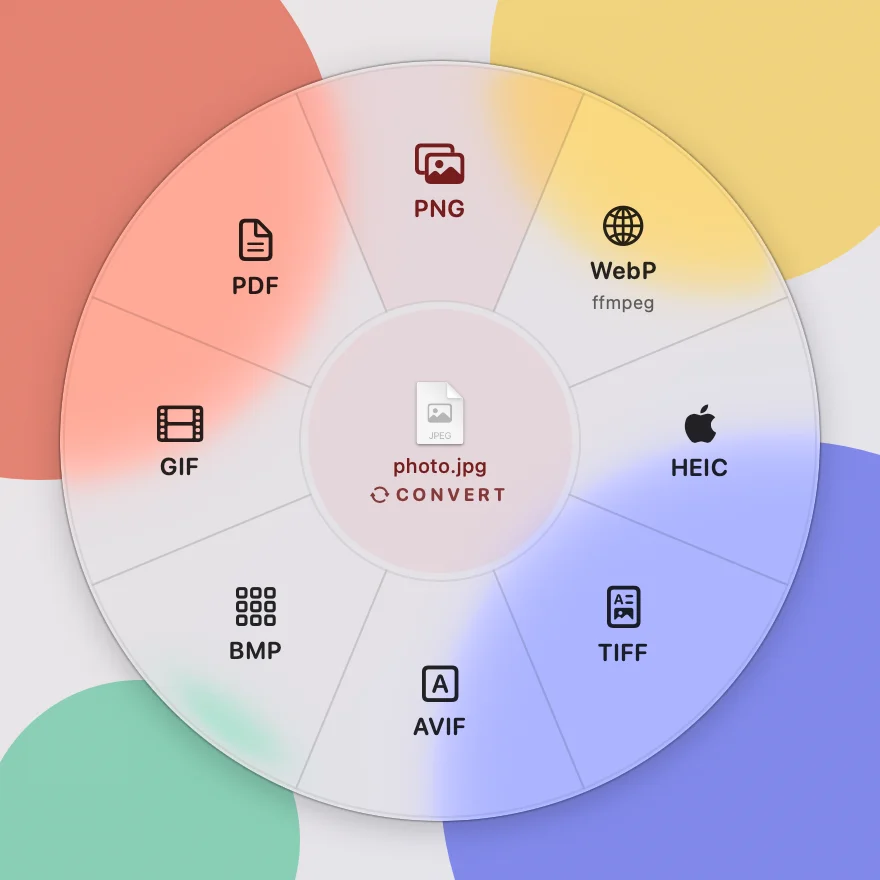
An MIT-licensed alternative to Tangerine. A wheel of slices opens around a file while you drag it, letting you convert, edit, share or send it without opening an app or uploading anything. Native on macOS, with an early port for Windows and Linux.
Overview
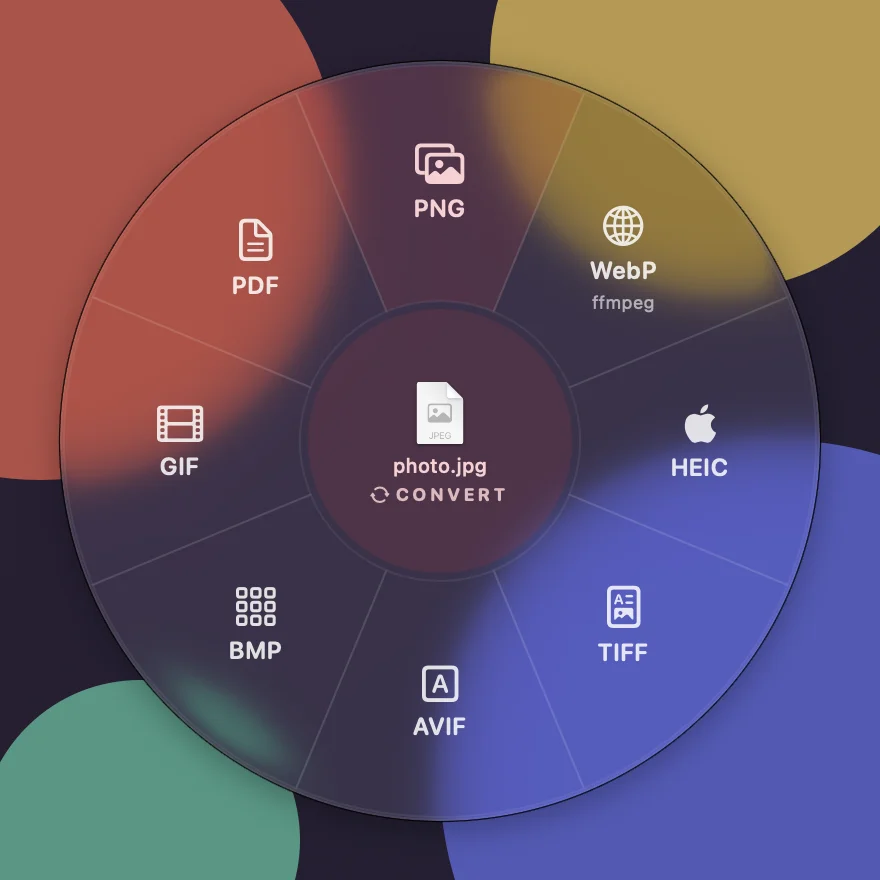
Converts files mid-drag, on your own computer: press a key, drop the file on a slice.
Challenge
Converting a file usually means opening a dedicated app or uploading it to some website. Both break your flow, and the latter sends your files to someone else's server.
Approach
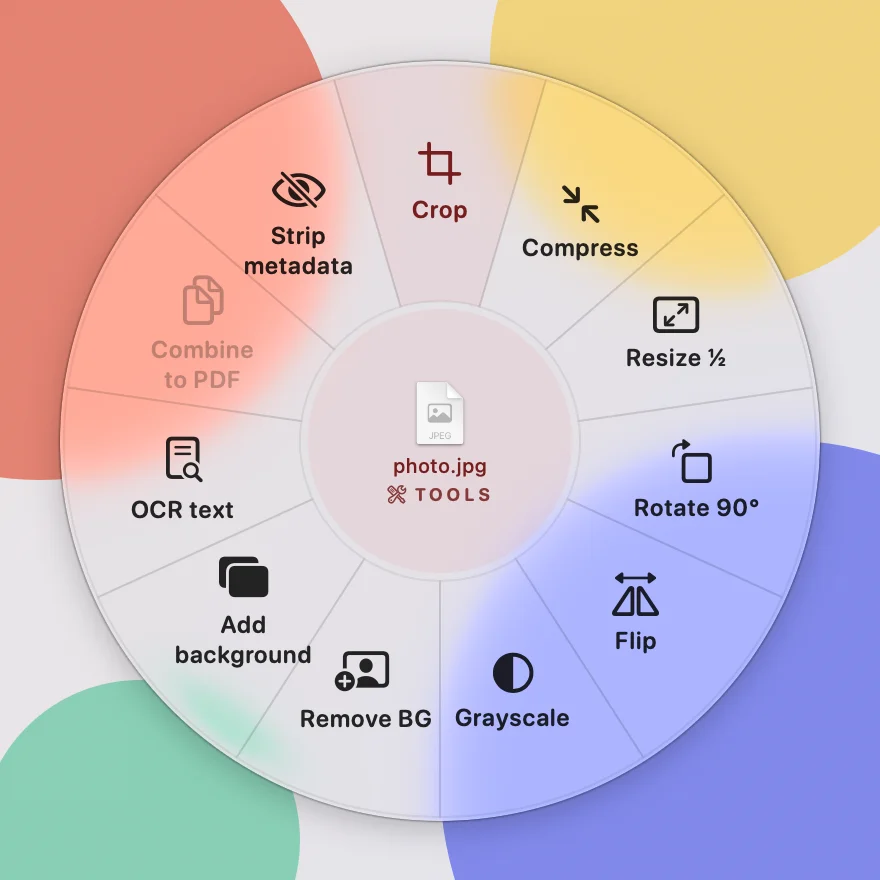
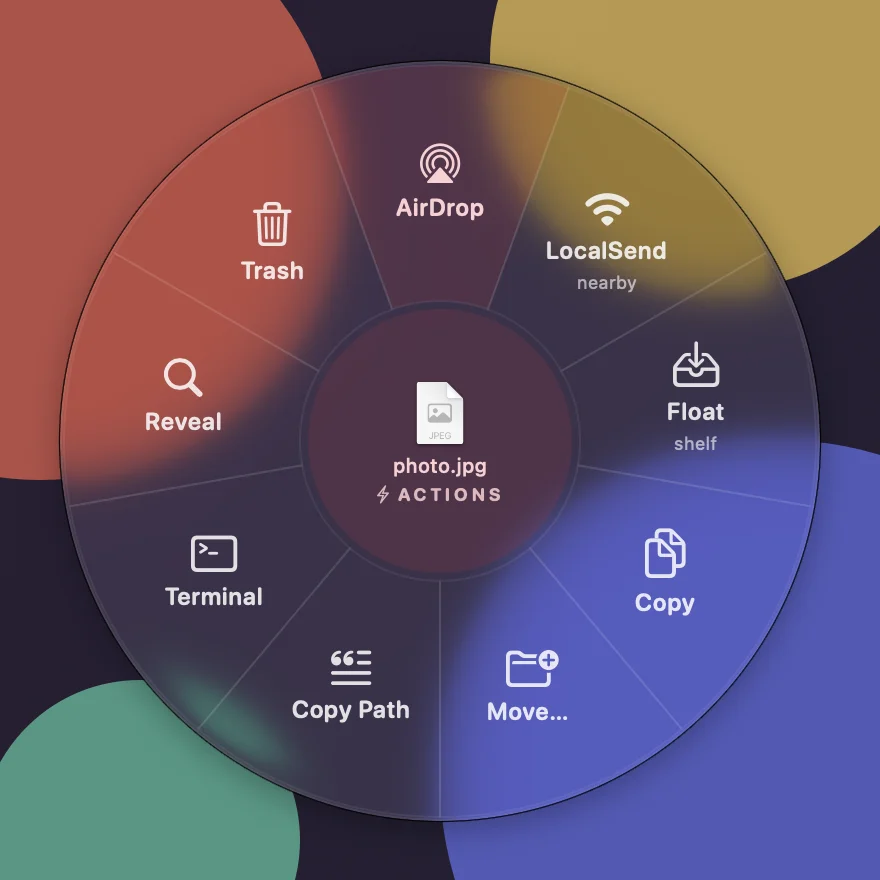
The Mac app is native Swift and lives in the menu bar. While you drag a file, tapping a modifier key opens a radial wheel with the actions that fit that kind of file, and it stays open after you let go of the key. Conversions run locally on Apple's frameworks, with optional tools picked up at runtime for extra formats. Windows and Linux get a separate port in Rust that reads the same catalog of slices and answers the same command line.
Outcome
Converting, compressing, trimming or sending a file is a single drag, nothing is uploaded and the original is never touched.
Highlights
- Three wheels while dragging: Convert (⇧), Tools (⌘) and Actions (⌃), showing only what fits the file in your hand
- Converts between 40 formats across images, audio, video, documents, spreadsheets, subtitles and archives
- Tools for quick edits like crop, compress, resize, remove background and OCR, always written to a new copy
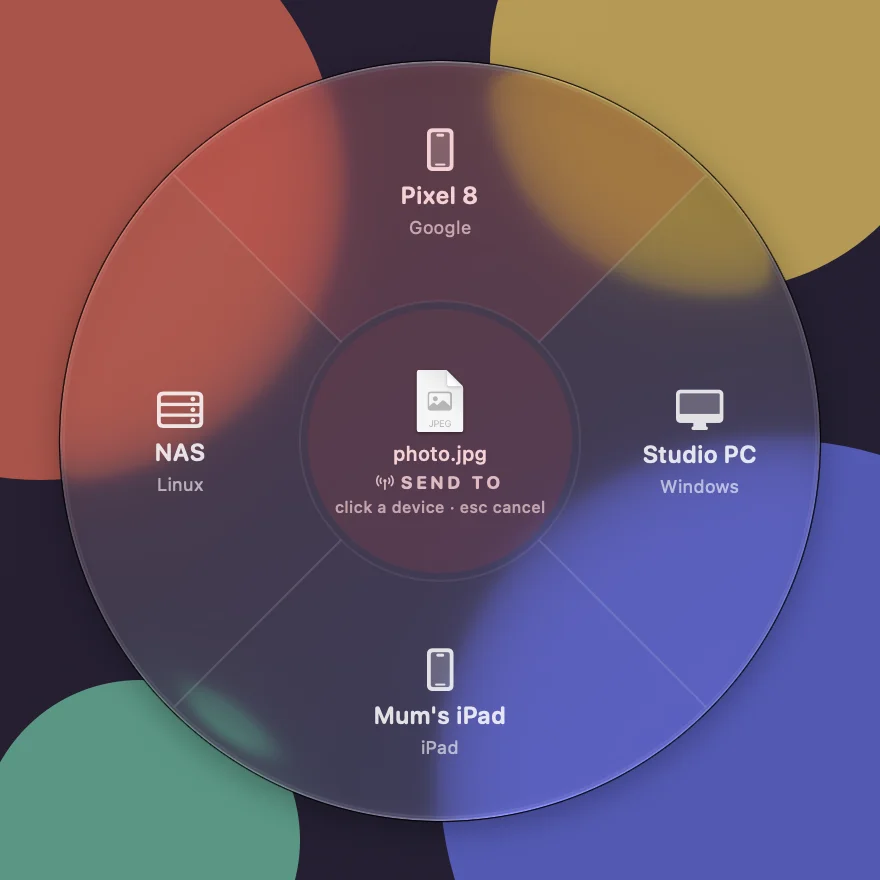
- Sends files with AirDrop, or with LocalSend to Android, Windows and Linux devices
- Fully local, built on Apple's frameworks with optional ffmpeg, pandoc and unar helpers
- Keyboard mode from Finder, no Accessibility or Input Monitoring permission needed
- A Rust port for Windows and Linux (X11 and Wayland) sharing one catalog of slices and one conformance suite
Screenshots